
User guide#
This guide explains how to use every user-facing part of Remote: onboarding, projects, chats, five agent providers, scheduled tasks, workspace tools, previews, the shared Agent Browser, Git recovery, secrets, sharing, users, and server information.
Remote is built around one idea: create a project computer, give an agent broad authority inside that project, and keep the human in control through the browser.
Start here#
If this is your first session:
- Sign in and finish setup.
- Create a project and learn the sidebar.
- Create a chat and choose an agent.
- Send work, attach context, queue a follow-up, or answer an agent question.
- Open the result through Files, Terminal, or IDE.
- For a web app, use Preview and Inspect.
- For a real signed-in website, use the Agent Browser.
- Use Git History before or after risky changes.
- Use Scheduled tasks when a project chat should work again later without keeping the browser open.
Find a task#
| I want to… | Go to |
|---|---|
| Claim a new server or sign in | First run and sign-in |
| Connect Claude, Codex, or Kimi | Global settings, users, and providers |
| Configure MiniMax for one project | Global settings, users, and providers |
| Sign in to Antigravity for one project | Global settings, users, and providers |
| Create, search, reorder, start, or stop projects | Projects and sidebar |
| Pick a provider, model, thinking level, speed, mode, or skill | Chat and agent controls |
| Attach files, queue work, cancel a run, fork, rewind, or mark unread | Prompts, context, and conversation |
| Browse or download files | Files, Terminal, and IDE |
| Run a command manually | Files, Terminal, and IDE |
| Open the browser IDE | Files, Terminal, and IDE |
| Preview a local web app or select an element | Previews and inspector |
| Let an agent use a website where I am signed in | Agent Browser |
| Inspect commits, prepare a recovery point, or switch clean versions | Git history and restore |
| Schedule, pause, edit, run, or delete future agent work | Scheduled tasks |
| Add secrets, share a project, set limits, or recover a container | Project settings |
| Invite a user, change a role, choose a theme, or inspect the host | Global settings |
| Follow a complete end-to-end recipe | Everyday workflows |
| Diagnose a problem | Troubleshooting |
| Check whether a feature exists and who may use it | Complete feature reference |
The application surfaces#
| Surface | What it controls |
|---|---|
| Projects sidebar | Project and chat creation, search, status, ordering, read state, forking, and deletion |
| Chat | Agent selection, prompt context, streamed reasoning and tool activity, per-tab drafts and queues, questions, usage, and history |
| Workspace tools | The durable /workspace through files, downloads, a shell, code-server, and Git |
| Scheduled tasks | Host-owned one-time or recurring prompts that return to a project chat |
| Project settings | Container state, diagnostics, resource limits, secrets, membership, and recovery |
| Global settings | Appearance, host-wide agent credentials, platform users, Google OAuth, and host metrics |
Roles at a glance#
| Capability | Server admin | Project member |
|---|---|---|
| Use a project and its chats | Yes | Yes, when added |
| Create projects and chats | Yes | Yes |
| Use files, terminal, preview, IDE, and browser | Yes | Yes, with the IDE caveat below |
| Create and manage scheduled tasks | Yes, including all owners | Yes, for their own tasks |
| Read or change project secrets | Yes | Yes |
| Add or remove project members | Yes | Yes |
| Start, stop, restart, inspect, or repair a project | Yes | Yes |
| Change CPU, memory, or root-disk limits | Yes | No |
| Delete a project | Yes | No |
| Connect agent-provider accounts | Yes | No |
| Configure Google OAuth or global users | Yes | No |
IDE access caveat: the current IDE proxy checks that a person is a registered Remote user, but it does not enforce project membership. Treat every invited user as able to reach every project IDE until that boundary is hardened.
What persists#
The durable center is the project, not one chat or one container generation.
/workspacesurvives normal stop, restart, and container replacement.- Claude, Codex, MiniMax, Kimi, and Antigravity provider homes are separate durable mounts. Antigravity persists only
/root/.gemini/antigravity-cli, not the entire.geminitree. - The Agent Browser profile lives in the workspace, so site sessions can survive container replacement.
- Chat metadata and event history live in the host control plane.
- Scheduled-task definitions, claims, and run state live in the host control plane.
- Packages or files installed elsewhere in a container root filesystem can disappear when the container is recycled.
- Drafts and queued prompts are stored in
sessionStorageper browser tab. They survive a reload in that tab, but not tab closure, a different tab, another browser, or another device.
For the architecture behind those guarantees, read Philosophy and Projects and containers.
Screenshot notes#
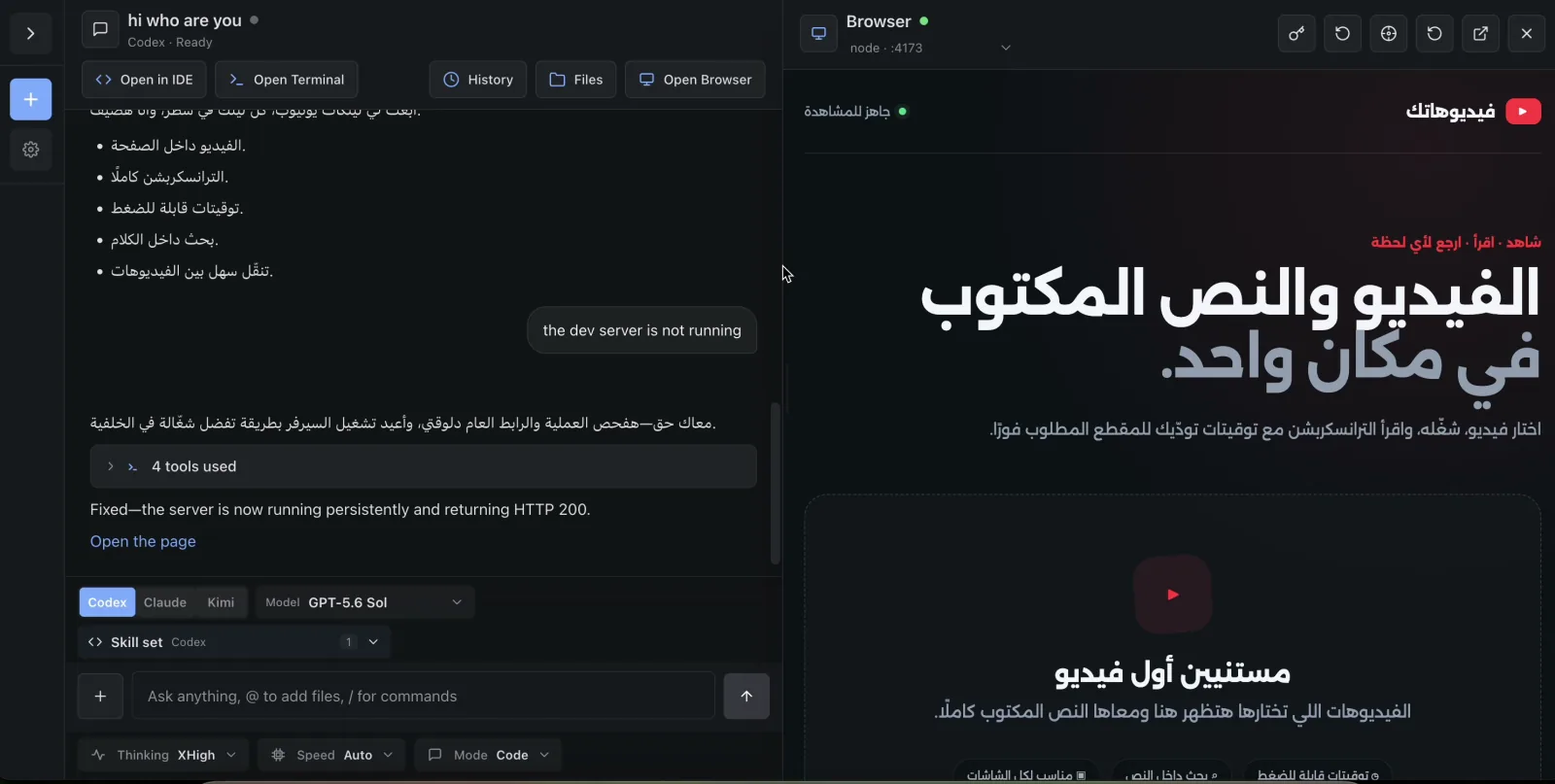
The screenshots in this guide are authentic captures of the application walkthrough recorded on July 22, 2026. They show demo projects and point-in-time UI states, not synthetic mockups. A screenshot proves the visible surface; architecture diagrams and source-backed reference pages document behavior that a still image cannot prove.